
01
Describe what is wrong
Patients write symptoms in plain language, add severity and duration, and save it as a report.
ROX Bio helps patients create health reports, keep records, find clinicians, book visits, and share the right information before care starts.
Patients can explain what is happening, upload useful files, and save everything as a report that is easier to review later.
Patients write symptoms in plain language, add severity and duration, and save it as a report.
Photos, ECG files, sounds, and lab documents can stay with the same report.
ROX starts an analysis so the report is easier for the patient and clinician to read.
The report can be opened later by the patient or shared with a connected clinician.
ROX Bio gives patients a simple record for history, medicines, allergies, labs, vitals, reports, and clinician access.
Patients keep conditions, medicines, allergies, immunizations, labs, vitals, and reports in one place.
Patients add clinicians with a ROX ID and decide who can see their record.
Clinicians see reports, files, symptoms, AI notes, and patient guidance in one reading view.
Symptoms, files, and notes in one place.
Open the patient, read the report, and prepare the visit.
Patients can search for clinicians, send a chat invite, add trusted clinicians to their care team, and book appointments.
The patient controls who is connected and what they can see.
ROX Bio keeps upcoming visits, video links, patient reports, and clinician schedules connected.
Appointments can be virtual or in person, with the care team and record close by.
The schedule shows the patient, visit type, time, and recent shared reports.
Virtual visits can be joined from the app, and the encounter stays tied to the record.
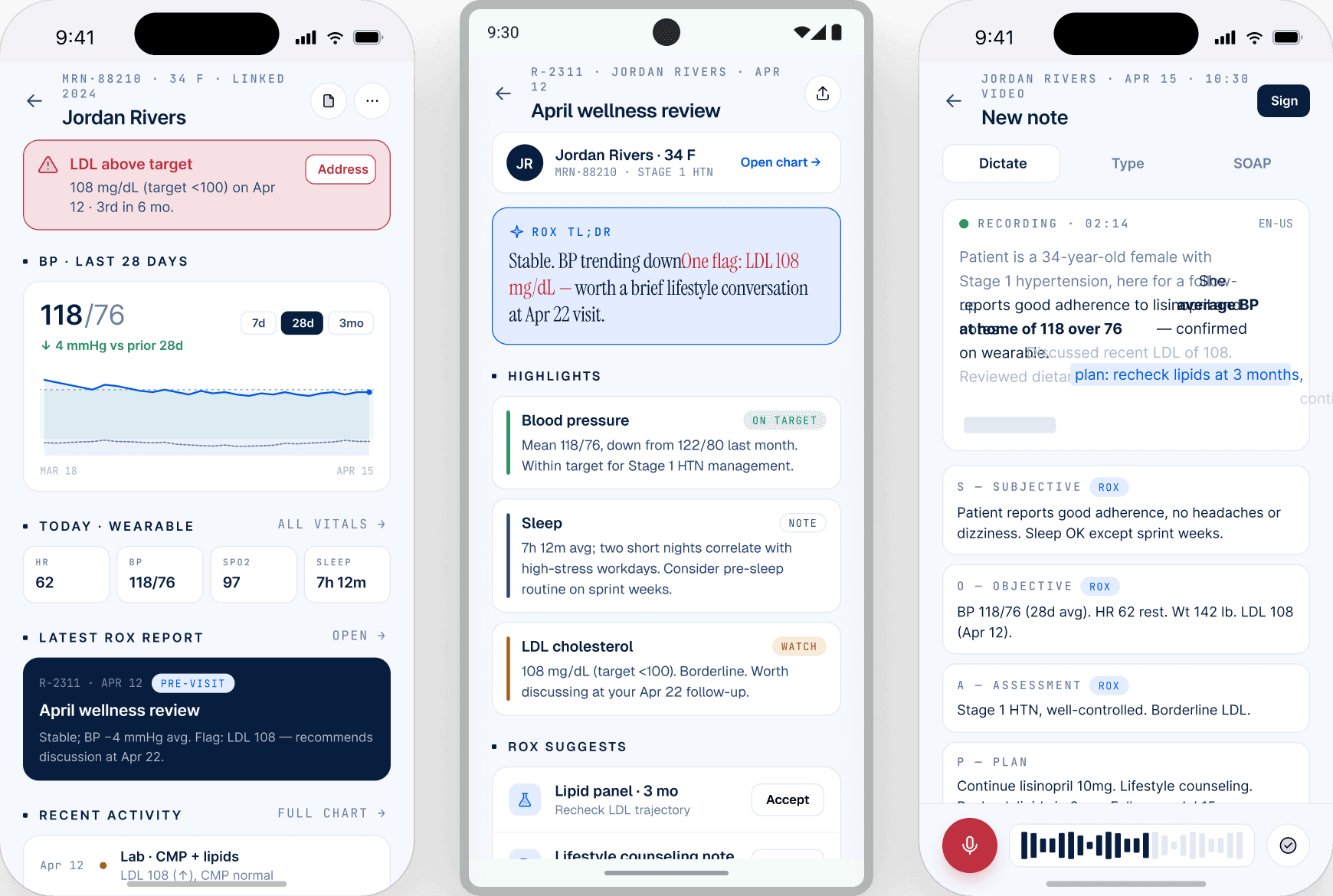
Before the visit starts, the right details are already there.
ROX reviews symptoms, history, medicine context, files, and possible red flags so the report is not just raw text.
The clinician side brings today's visits, shared reports, chat invites, and connected patient records into one workspace.
Clinicians can move from a visit to a report to a patient record without searching.
The workspace keeps the visit, patient, and report connected.
The workspace keeps the visit, patient, and report connected.
The workspace keeps the visit, patient, and report connected.
Patients pair the wristband in the mobile app and stream vitals into ROX.
Medication reminders and dose status roll up into a simple adherence view.
Recent vitals and missed doses are easy to check before the next visit.
Clinicians can use reusable phrases, review encounter details, and keep messages, reports, and next steps close to the patient record.
ROX Bio gives patients and clinicians one place for reports, records, appointments, messages, and follow-up.